
User Guide
Users
Listing Page
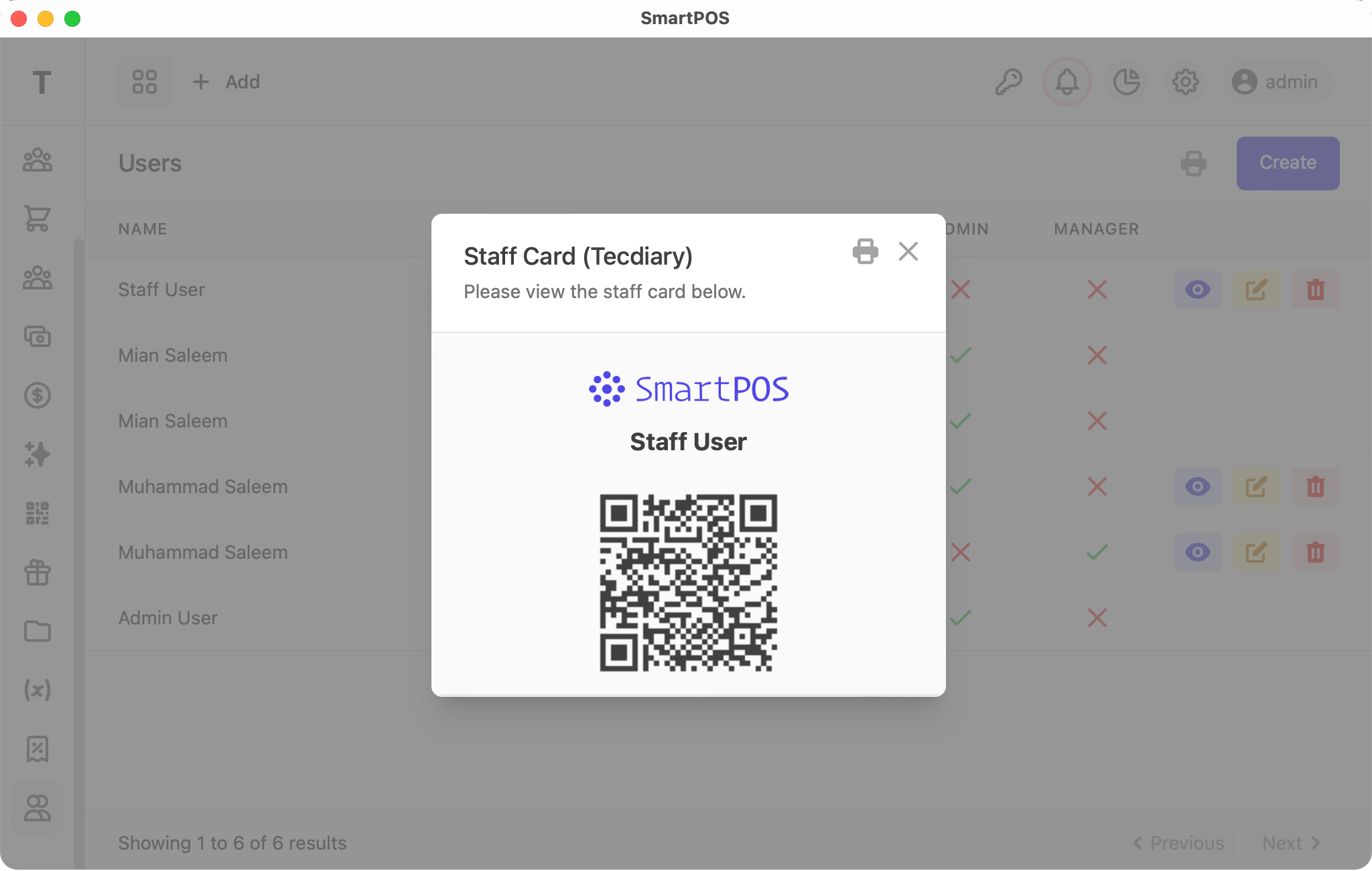
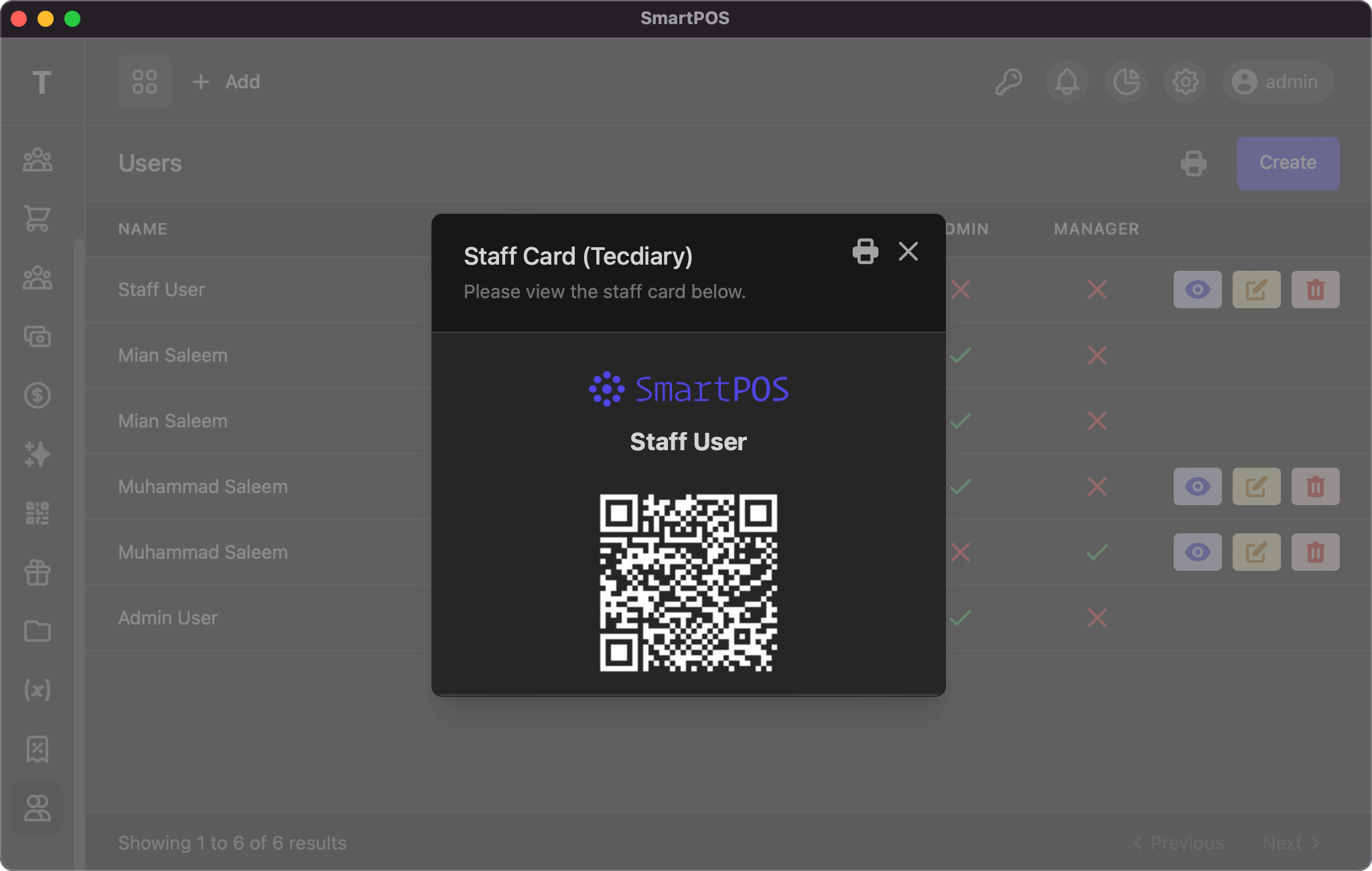
This listing page displays your users, with actions to edit and delete. You can view a user's QR code, which can be used to quickly log the user in. As with other tables, the info and pagination links are at the bottom of the page.
Add/Edit
The add/edit user page uses the same form, with the following fields:
- Name: full name of the user
- Username: username for login
- Password: type a password for the user
- Confirm Password: type the same password to confirm
- Active: only active users can log in
- Admin: (optional) whether the user is an admin
- Manager: (optional) whether the user is a manager
User Roles
There are three user roles:
- Admin: full access to all pages
- Manager: access to all records except users and settings
- Staff: access to their own sales, customers, expenses, payments, etc.
A user is considered a staff member if neither Manager nor Admin is checked.
If you have any suggestions, please start a discussion.