
User Guide
Point of Sale Screen
HalaPOS has a simple user interface that is easy to learn and minimizes training time.
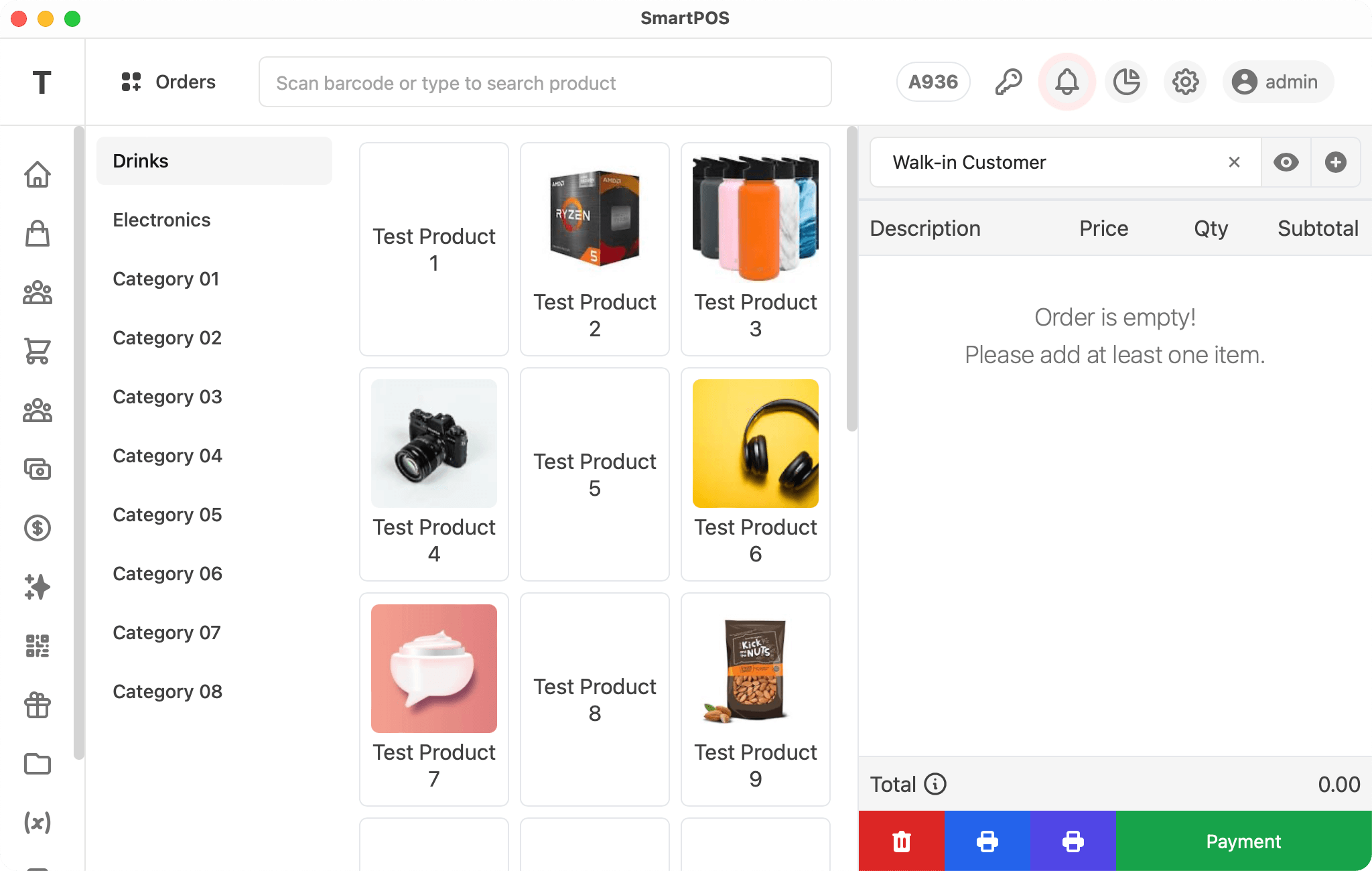
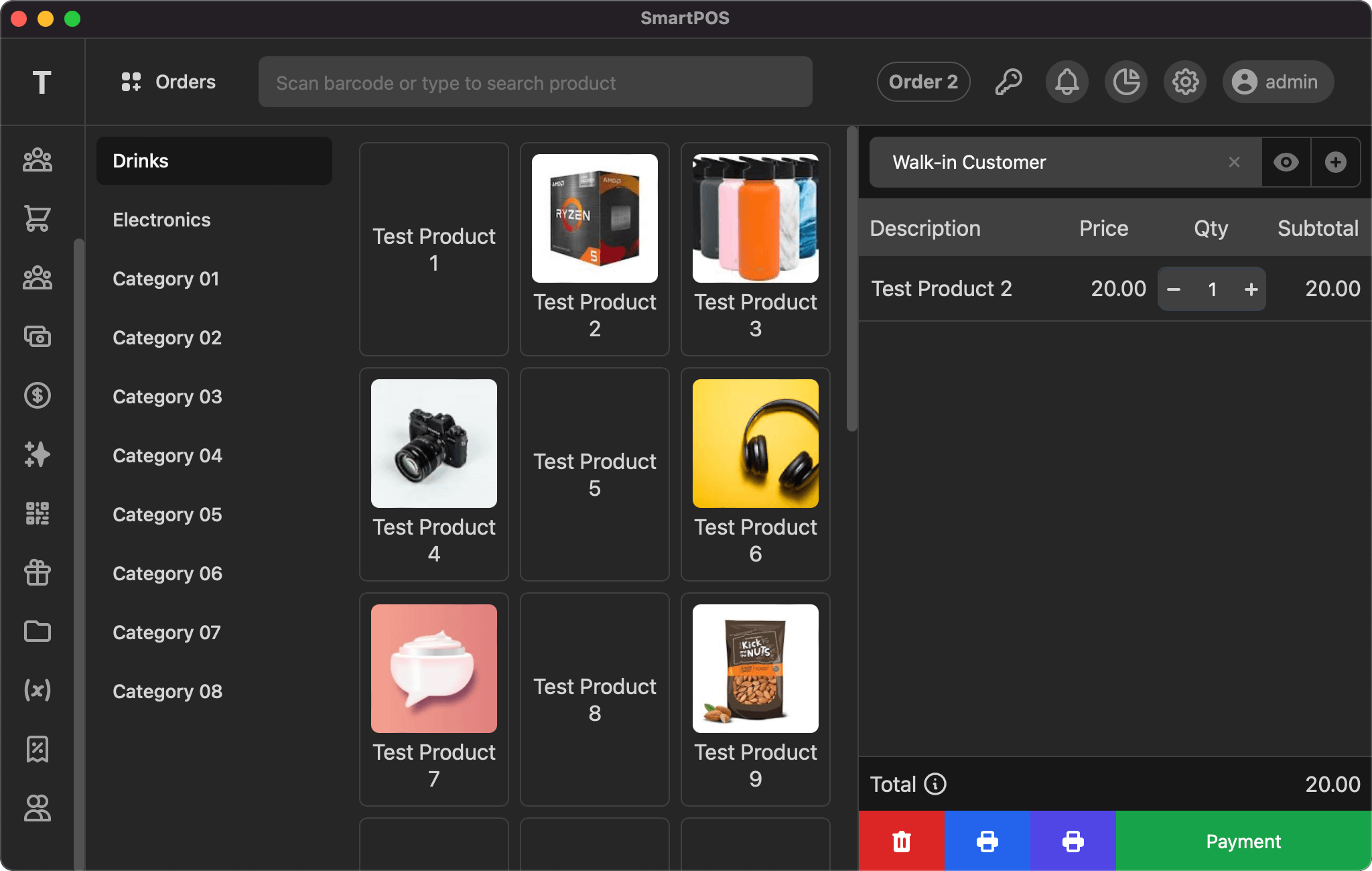
Top bar
The Point of Sale screen displays the first character of your company name as a logo, then orders (with an option to open a new one), a search bar to find products and add them to the order, the current selected order, and menus for alerts, reports, settings, and user.
Left side bar
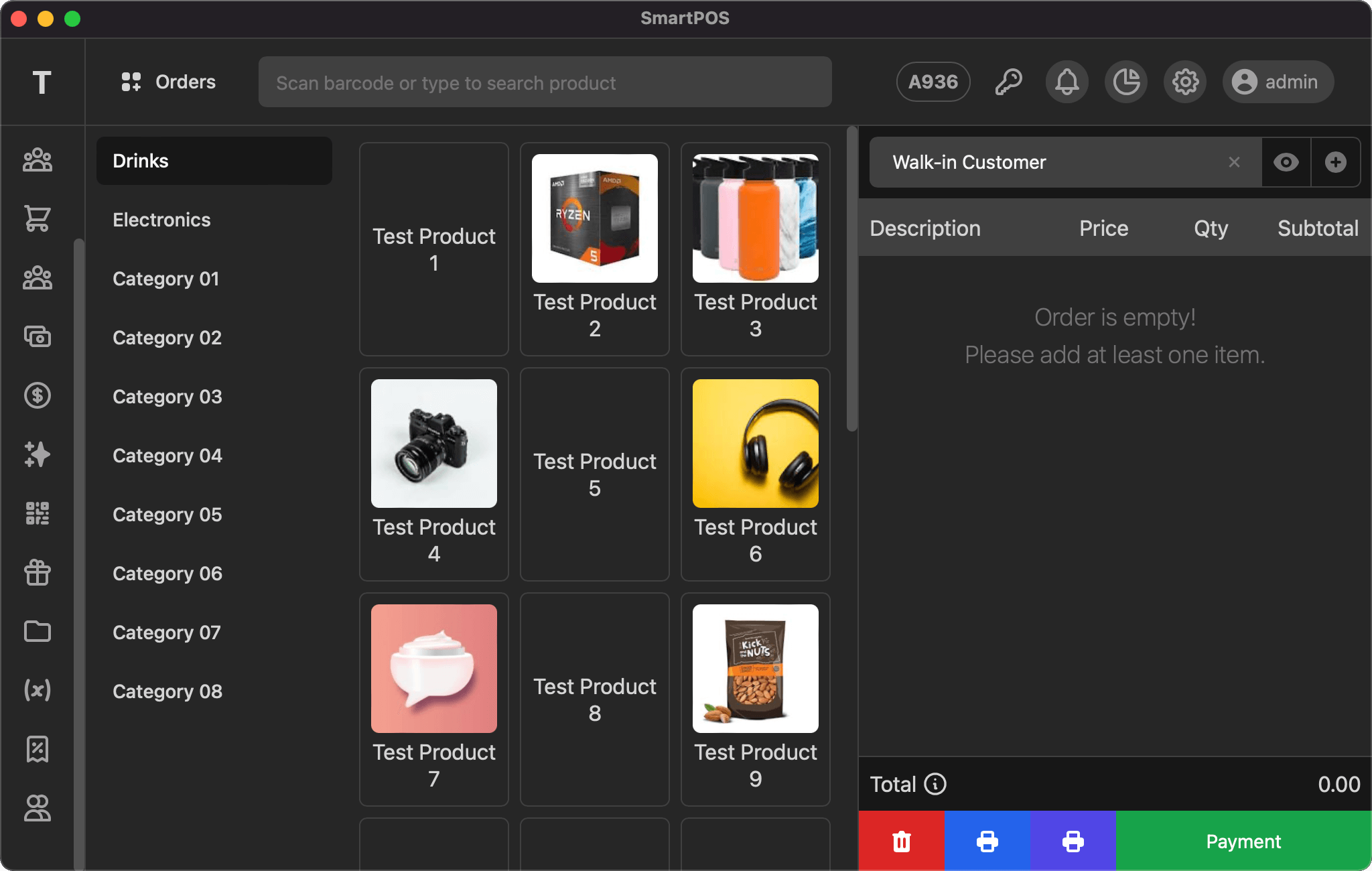
The Point of Sale screen has a collapsed version of the left side bar that only displays menu icons and the first character of your company name.
Grid area
The grid content area has 2 parts: i) the categories list and ii) the products grid for the selected category.
i) Categories list
This area shows all the categories and is vertically scrollable if the categories exceed the display height. You can click any category name to load the products for that category.
ii) Products grid
The products grid is displayed according to your settings: i) Name, ii) Photo, or iii) Both. This area is also vertically scrollable if the products exceed the display height. You can click any product to add it to the selected order.
Order area
The order area has 3 parts: i) the selected customer with view and add options at the top, ii) the order items listing in the middle, and iii) the order total with action buttons at the bottom.
i) Customer
Search and select the customer to associate with the sale. Once a customer is selected, click the view icon to see their details. To add a new customer, click the plus icon and fill in the form shown in the modal.
ii) Order items
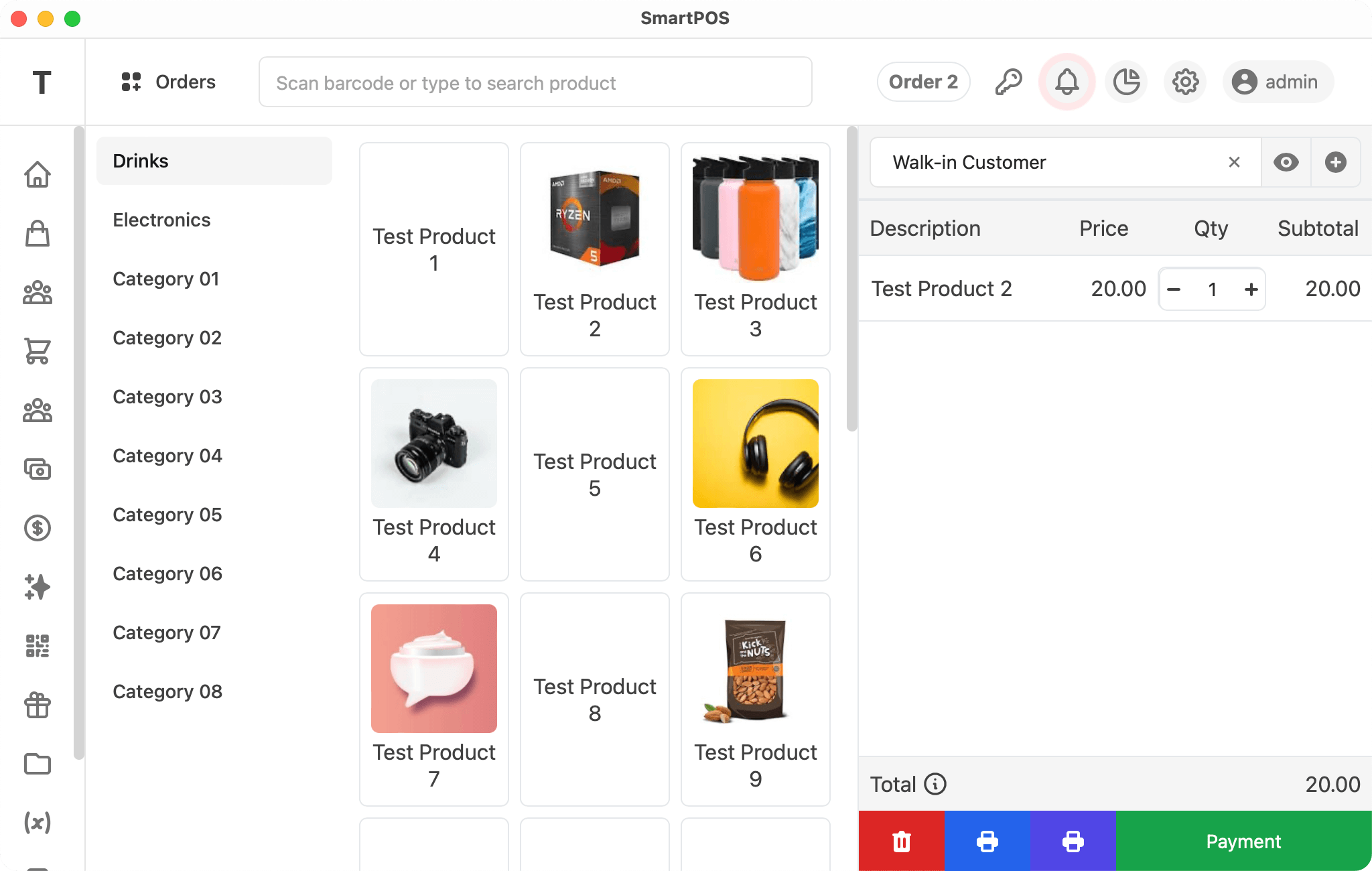
The items added to the order are listed here with the product name (click to change the price and/or apply a discount), price, quantity (as an input), and row total. This section is vertically scrollable.
iii) Total & Actions
The order total is displayed at the bottom, with an option to view the total tax. The last row has action buttons to delete the order, print the order & bill, and take payment to finalize the order.
If you have any suggestions, please start a discussion.