
User Guide
Categories & Units
Listing Page
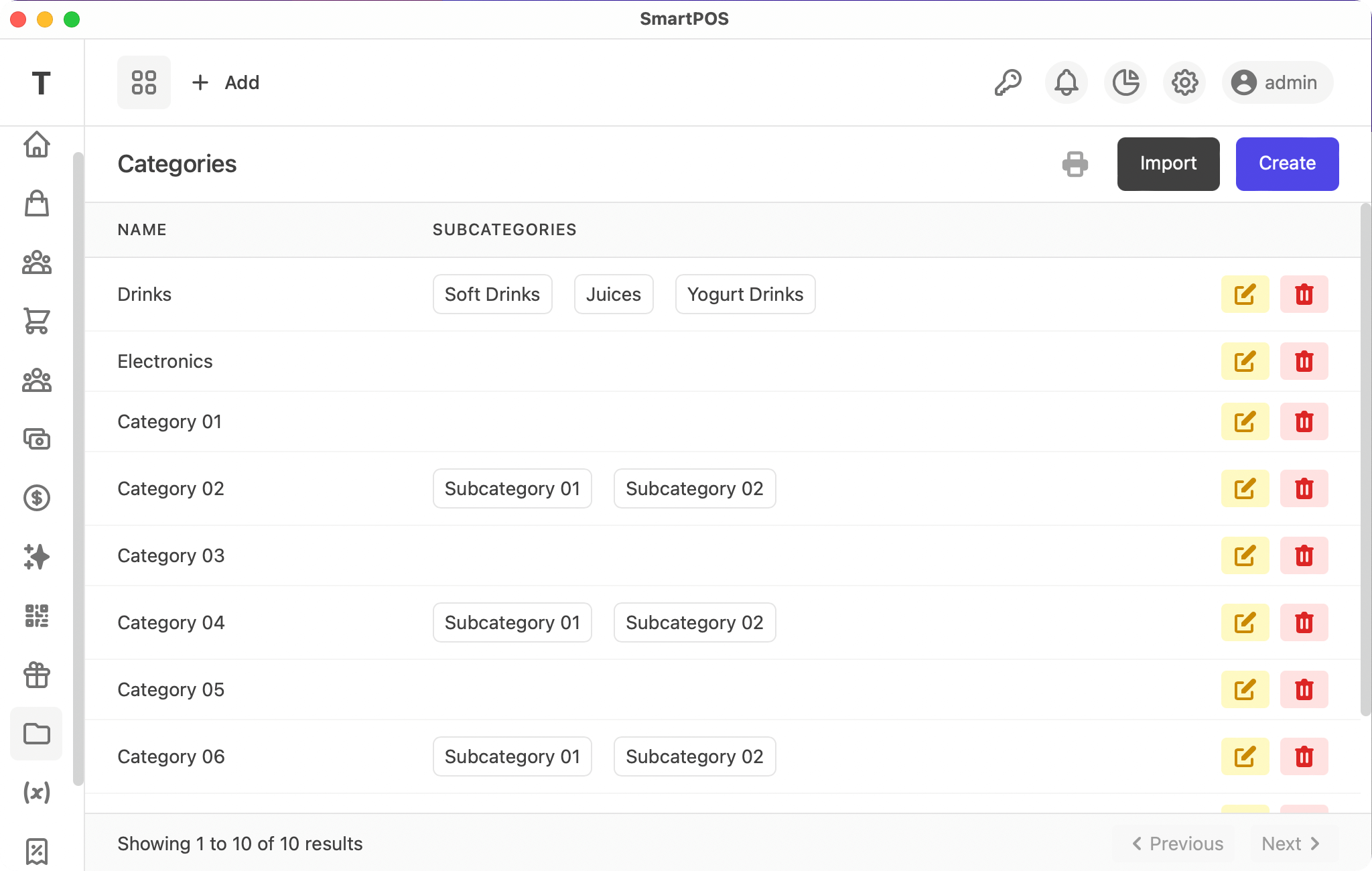
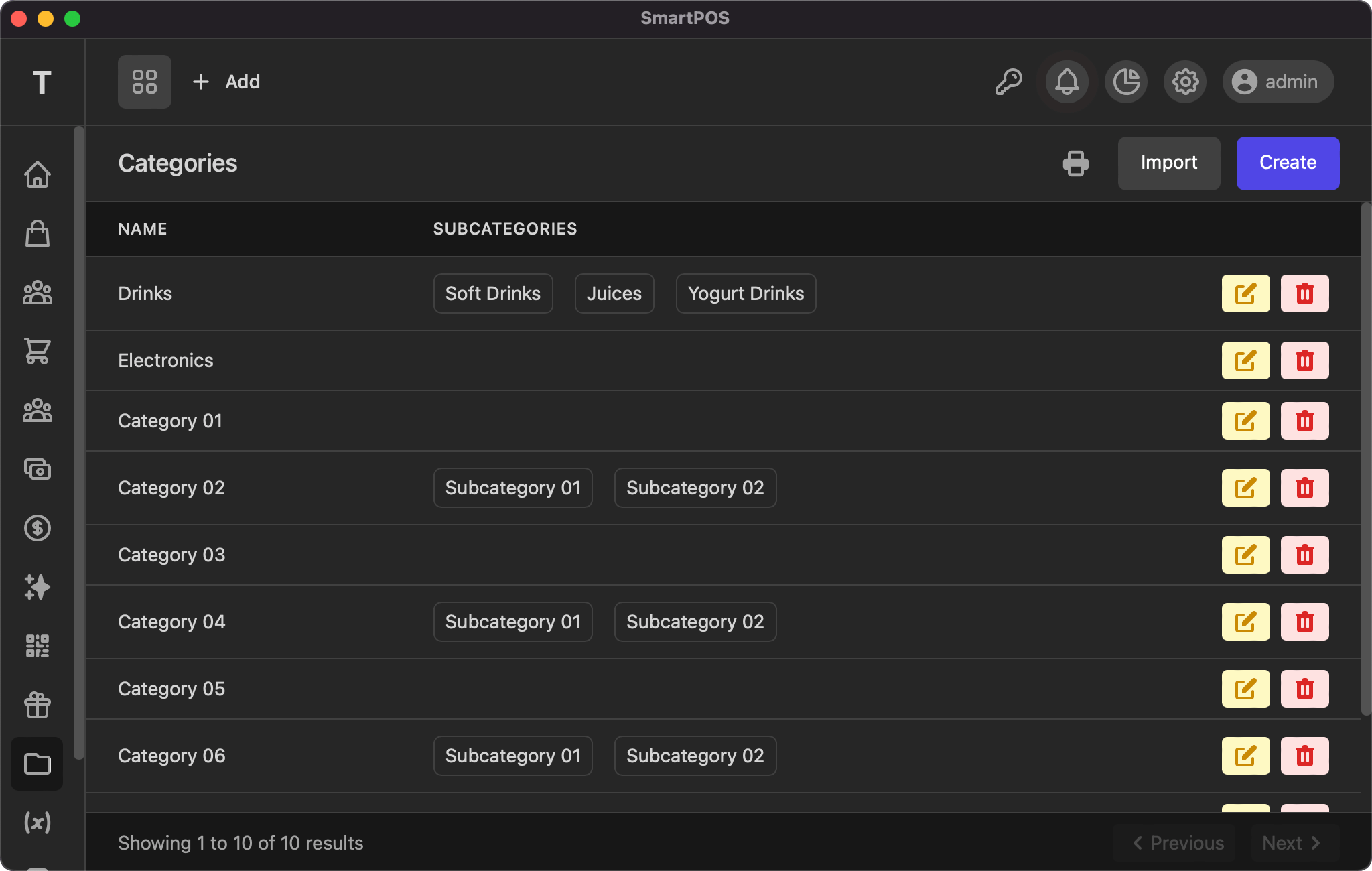
This listing page displays all your categories/units and subcategories/subunits, with actions to edit and delete. As with other tables, the info and pagination links are at the bottom of the page.
Add/Edit
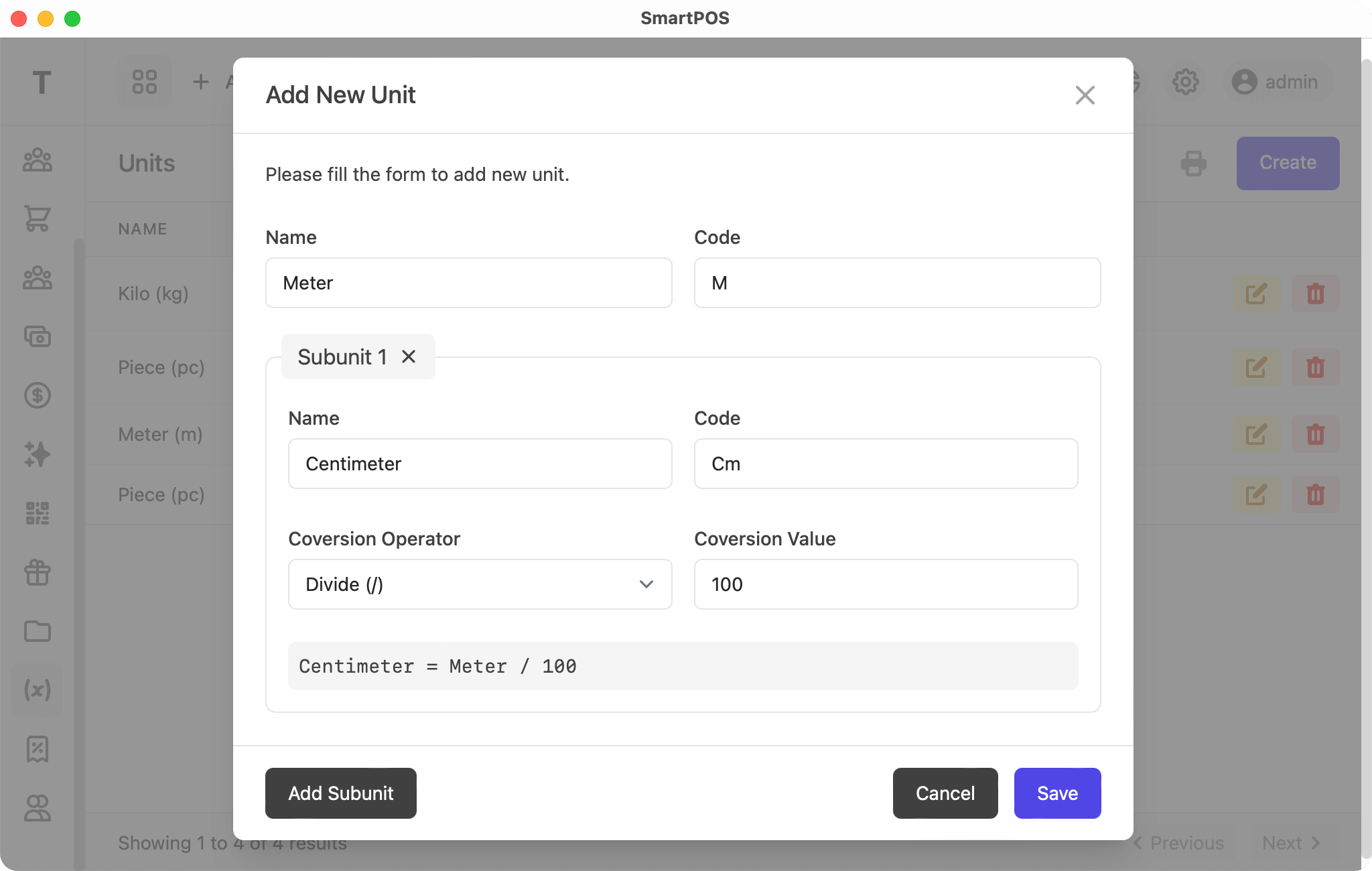
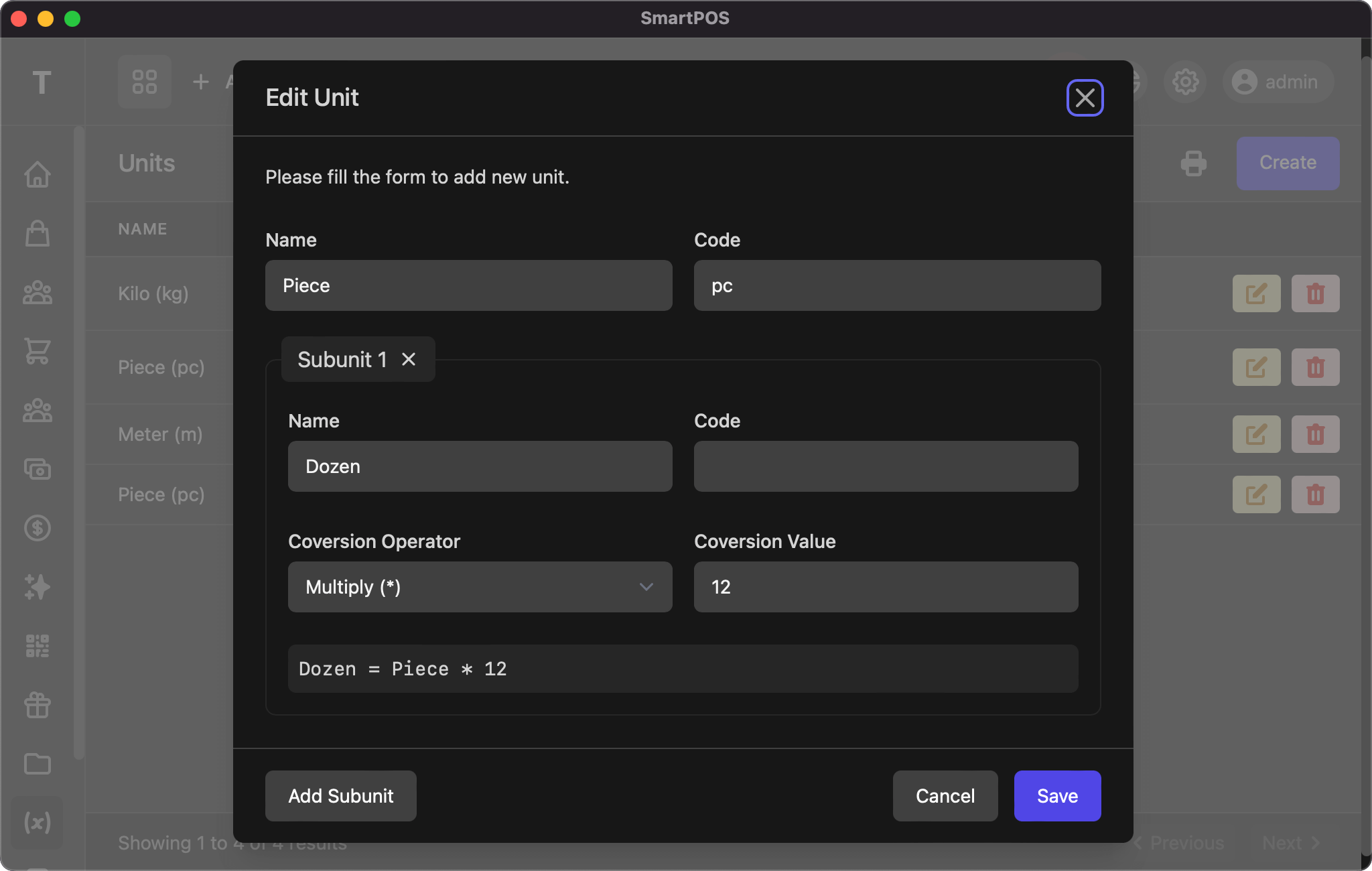
The add/edit page uses the same form, with the following fields:
- Name: name of the category
- Code: code of the category
- Subcategories: name and code for subcategories
- Subunits: name, code, conversion operator, and conversion value for the subunit
Import Categories
Prepare a CSV (comma separated values) file as follows:
name,code,subcategoriesCategory 01,,Category 02,,Subcategory 01|Subcategory 02
You can copy the text above, paste it into Notepad or a text editor, and save it as Categories.csv. You can add more rows, and you can open it with Excel or any other spreadsheet software to add rows easily.
The first row must contain the following values, as it is used to determine the column names:
name, code, subcategories
Once you have prepared the file, select it and click Read. The system will read your file and show you the category details. Lastly, click Save to complete the import and view the result.
If you have any suggestions, please start a discussion.