
User Guide
Sales & Purchases
Listing Page
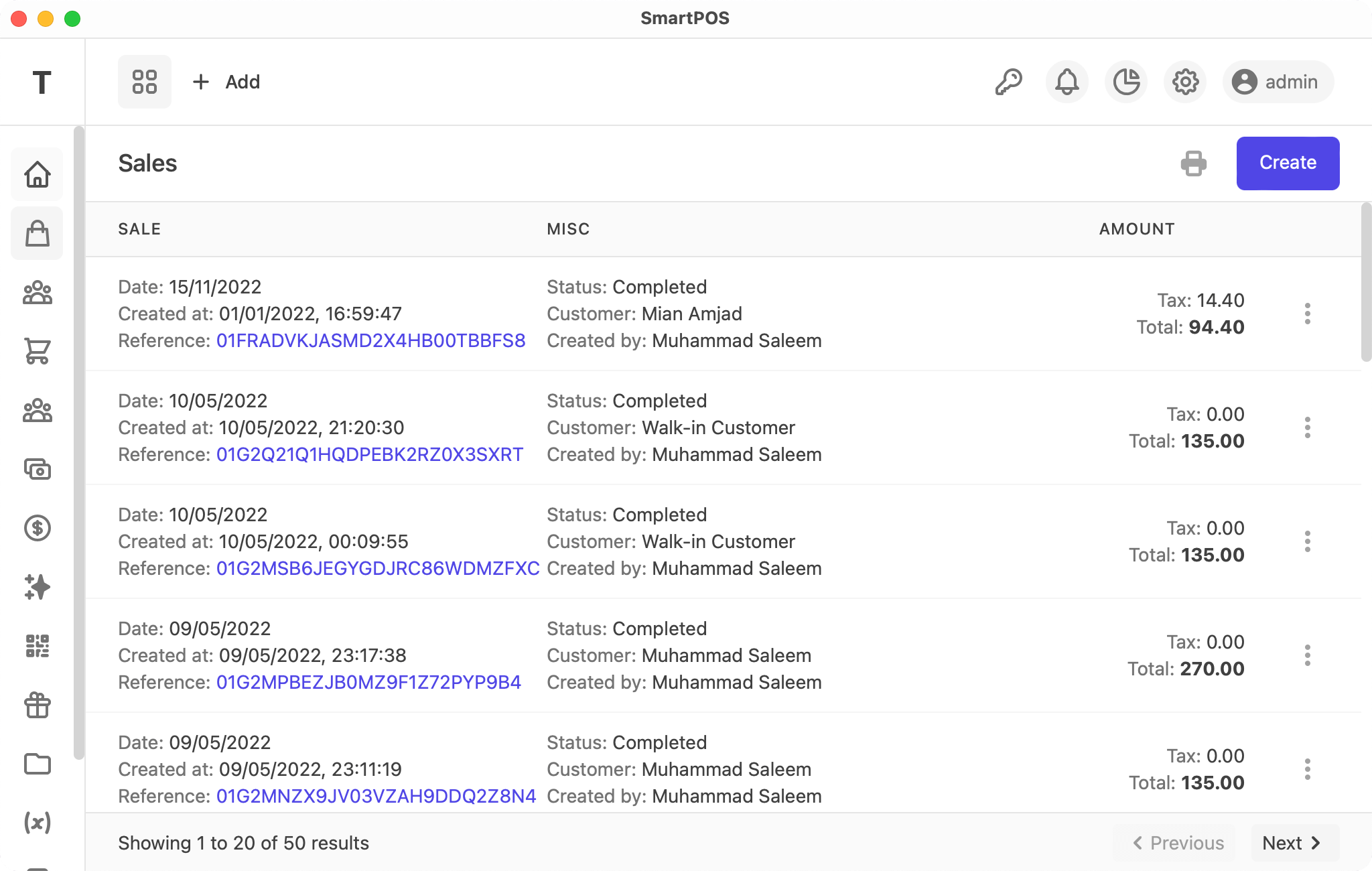
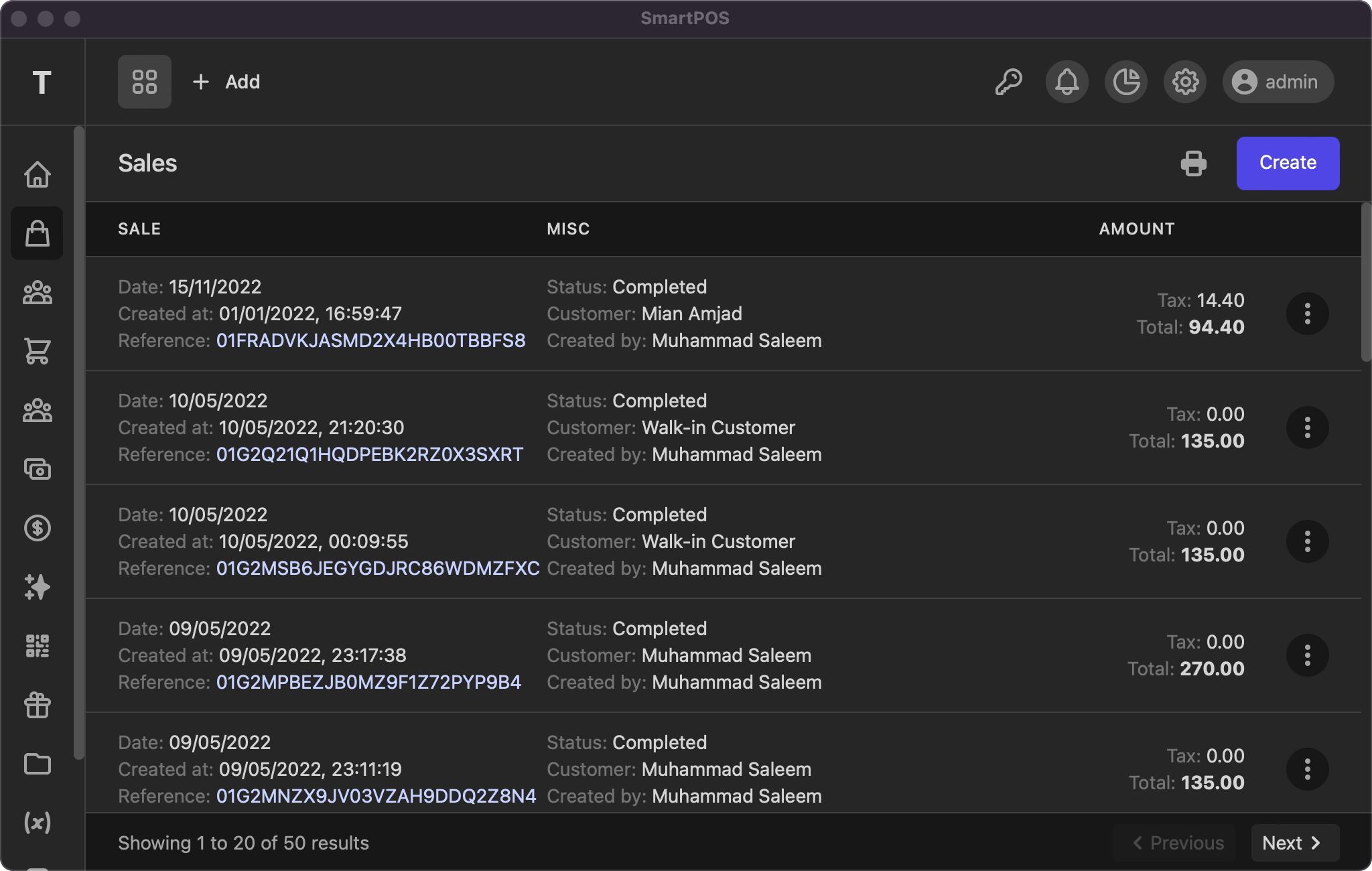
This listing page displays all your orders, with actions to view, edit, and delete. You can click the reference number to view the sale details. As with other tables, the info and pagination links are at the bottom of the page.
View
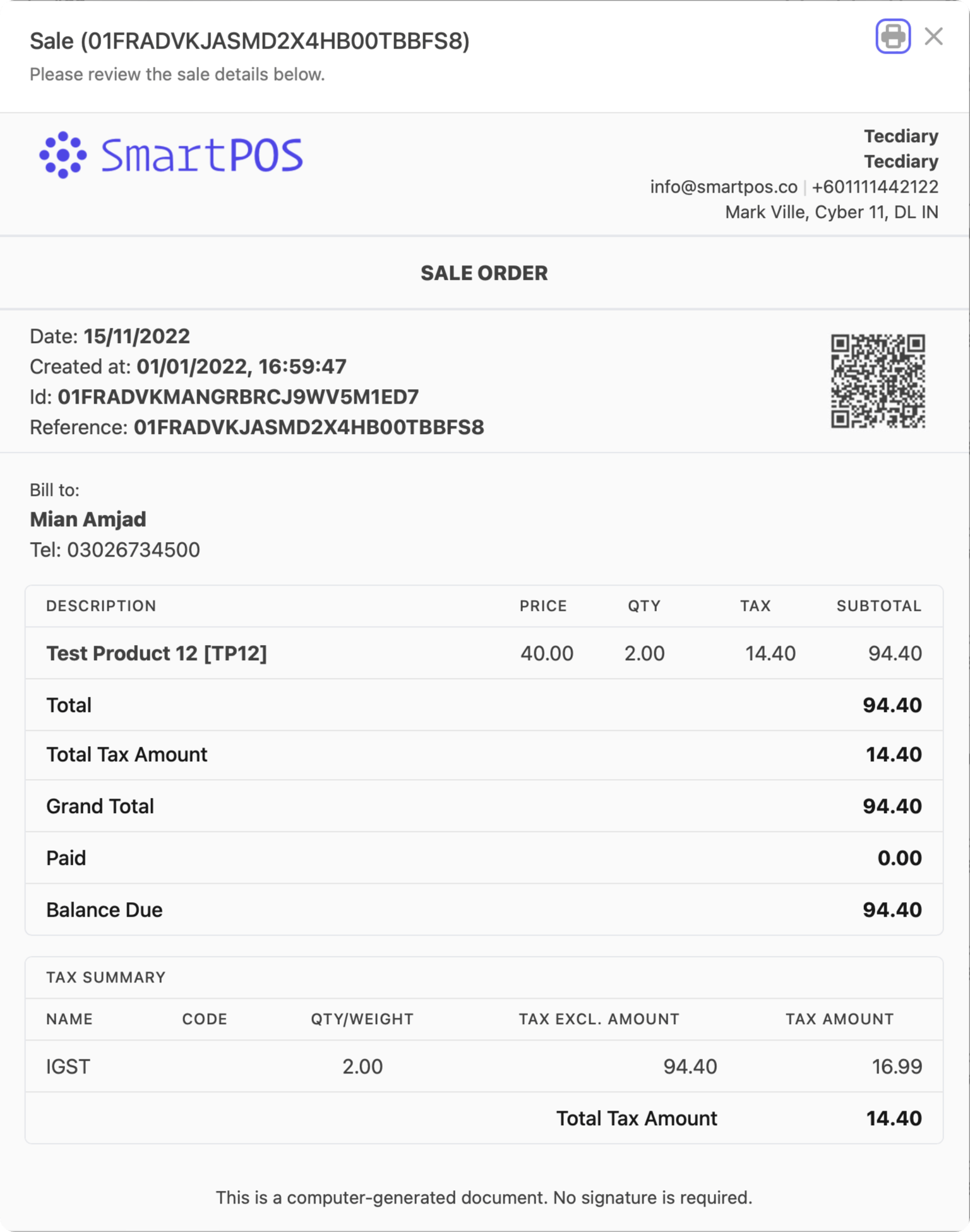
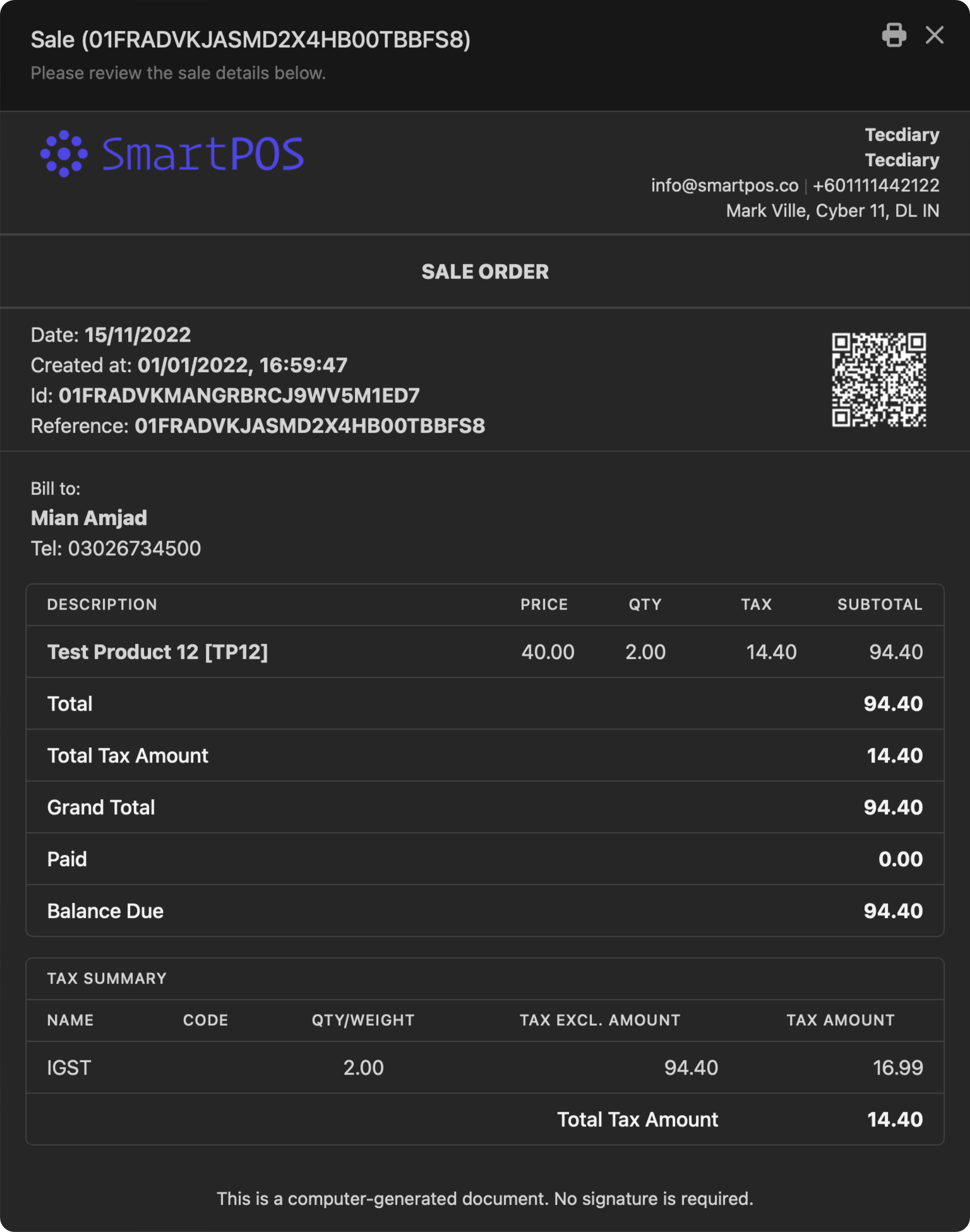
The sale view is compact. It displays your logo and company details at the top, then the sale date, ID, and reference with a QR code, followed by the billed-to details and order items, and finally the tax summary and sale comment.
Add/Edit
The add/edit order page uses the same form, with the following fields:
- Date: select the sale date
- Reference: (optional) set one, or leave blank to auto-generate
- Customer: select the customer (searchable)
- Status: pending/complete (pending is a draft, while completed is finalized)
- Order Items: scan a barcode or search to add products to the order. Set the quantity to
0to remove them. - Taxes: (optional) select multiple taxes
- Tax Method: exclusive/inclusiveExclusive: Price * tax rate / 100Price: 100, Net Price: 100, Tax Rate: 10 (10%), Unit Price: 110Inclusive: Price * tax rate / (100 + tax_rate)Price: 100, Net Price: 90.91, Tax Rate: 9.09 (10%), Unit Price: 100
- Discount: (optional) fixed or percentage, e.g. 10 or 10%
The order discount is applied to the order total (
products' price + taxes). - Due Date: (optional) due date for payment
- Comment/Note: (optional) any notes for the sale
Automation
The system will update the product's stock and set the customer's dues accordingly on completed orders.
If you have any suggestions, please start a discussion.