
User Guide
Dashboard
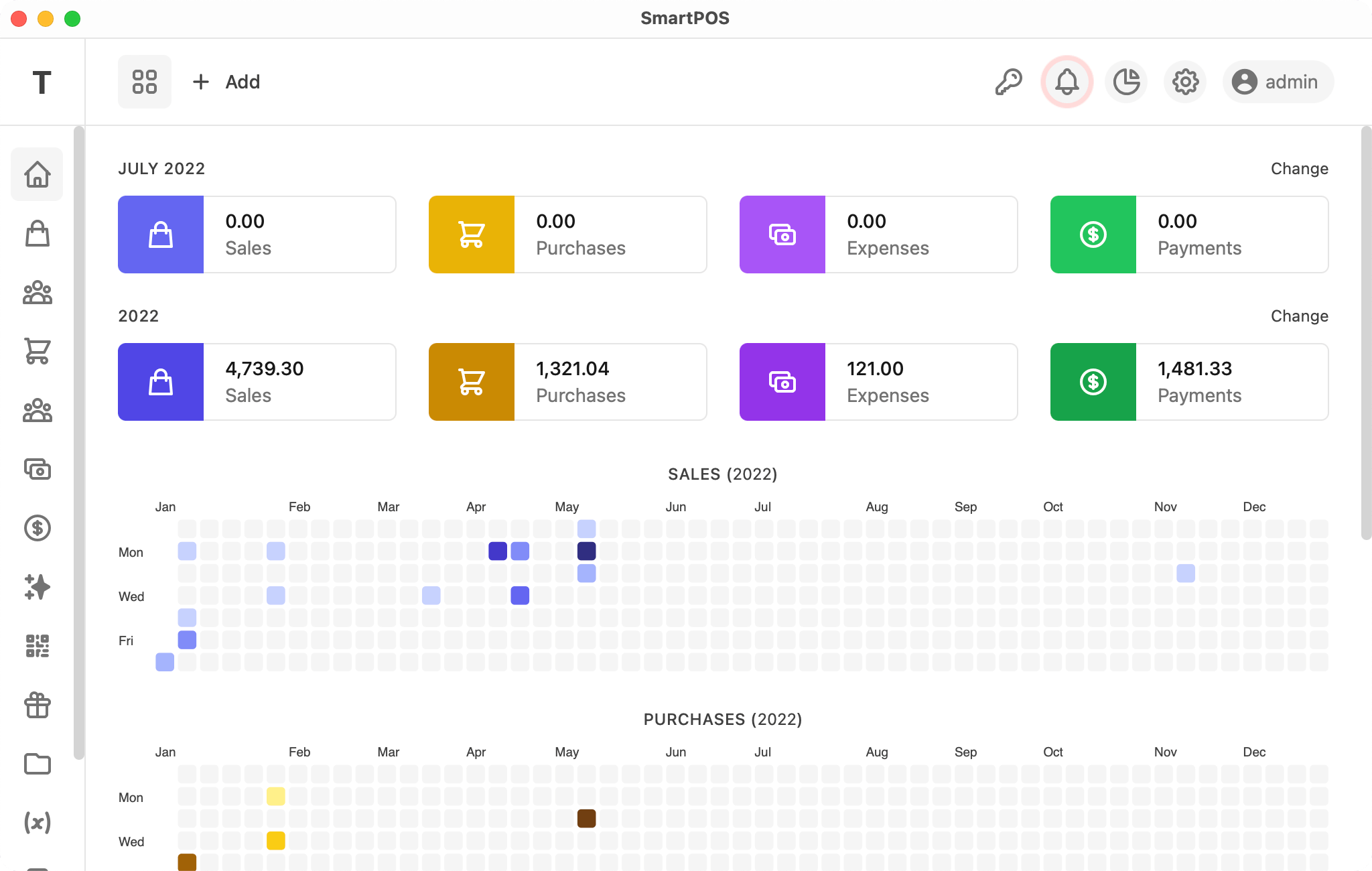
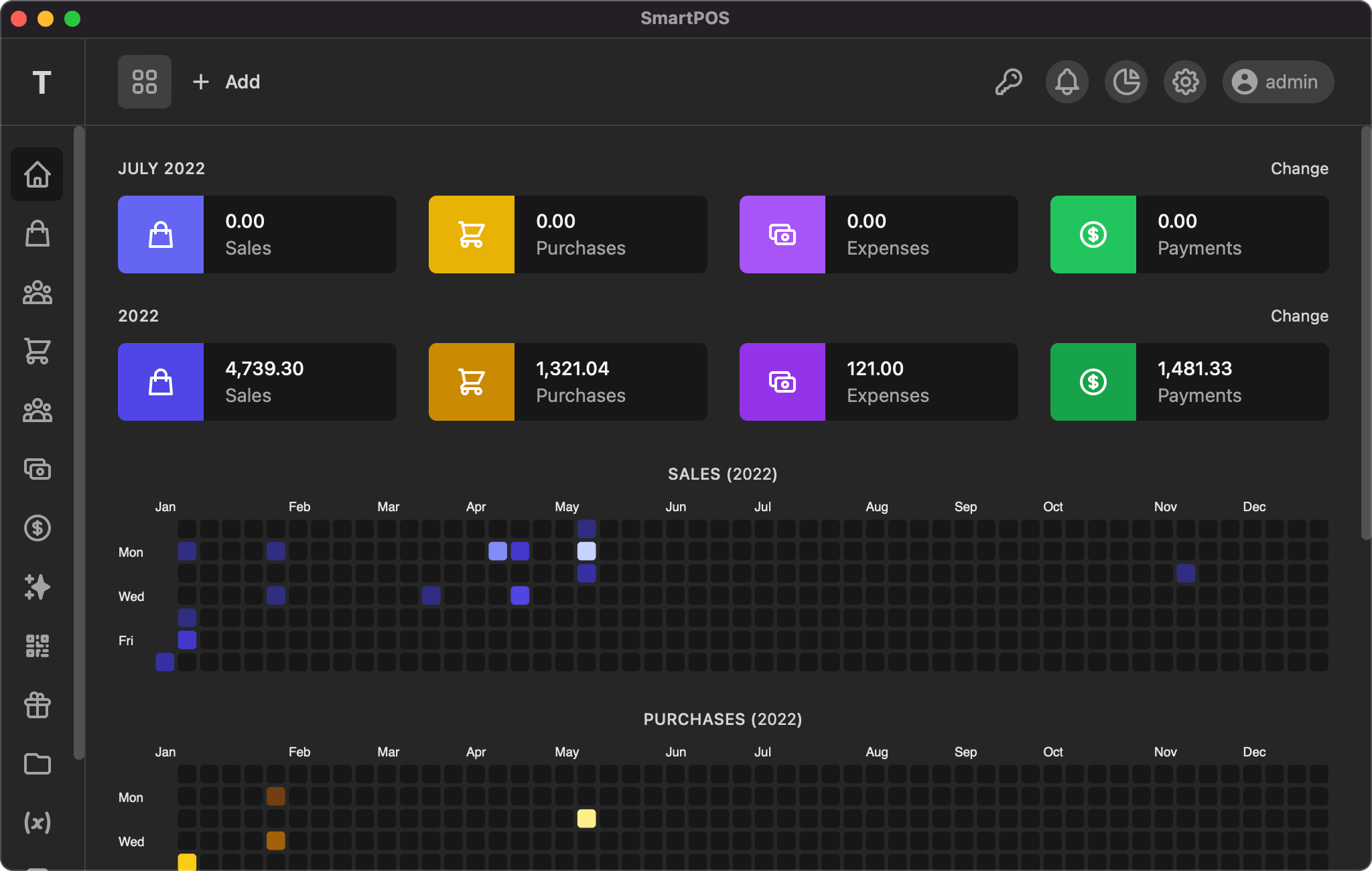
The HalaPOS dashboard shows your daily, monthly, and yearly sales, purchases, expenses, and payments.
Top bar
The app top bar displays the first character of your company name as a logo, an icon menu to open the point of sale screen, an add-new dropdown, and — on the right — menus for alerts, reports, settings, and user.
Left side bar
HalaPOS has a left side bar that is fully displayed on large screens and collapsed on small screens.
Main area
The dashboard main area shows the month's and year's sales, purchases, expenses, and payments totals, along with daily sales, purchases, expenses, and payments presented as a heatmap chart for the selected year.
If you have any suggestions, please start a discussion.