
User Guide
Payments & Expenses
Listing Page
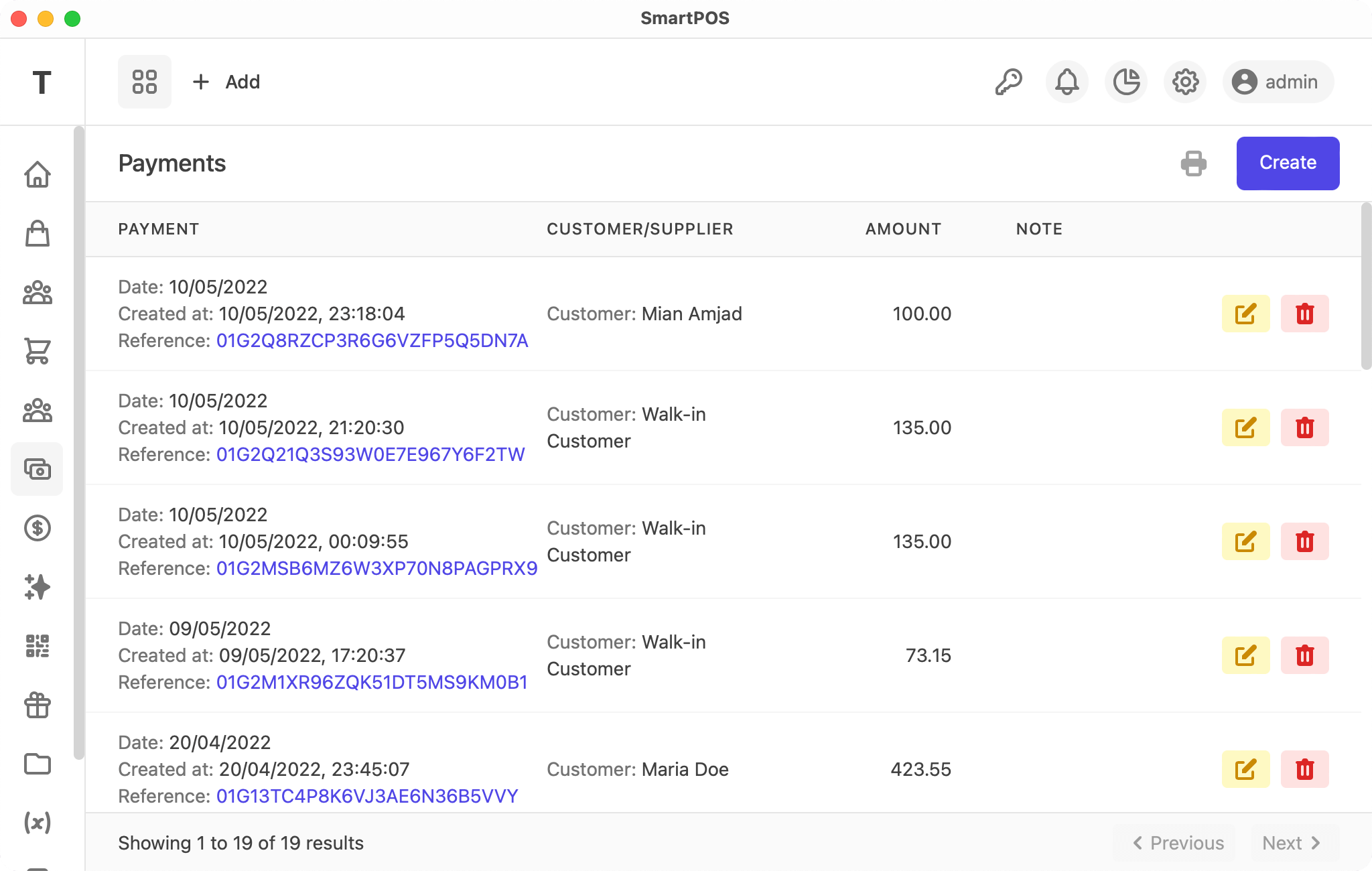
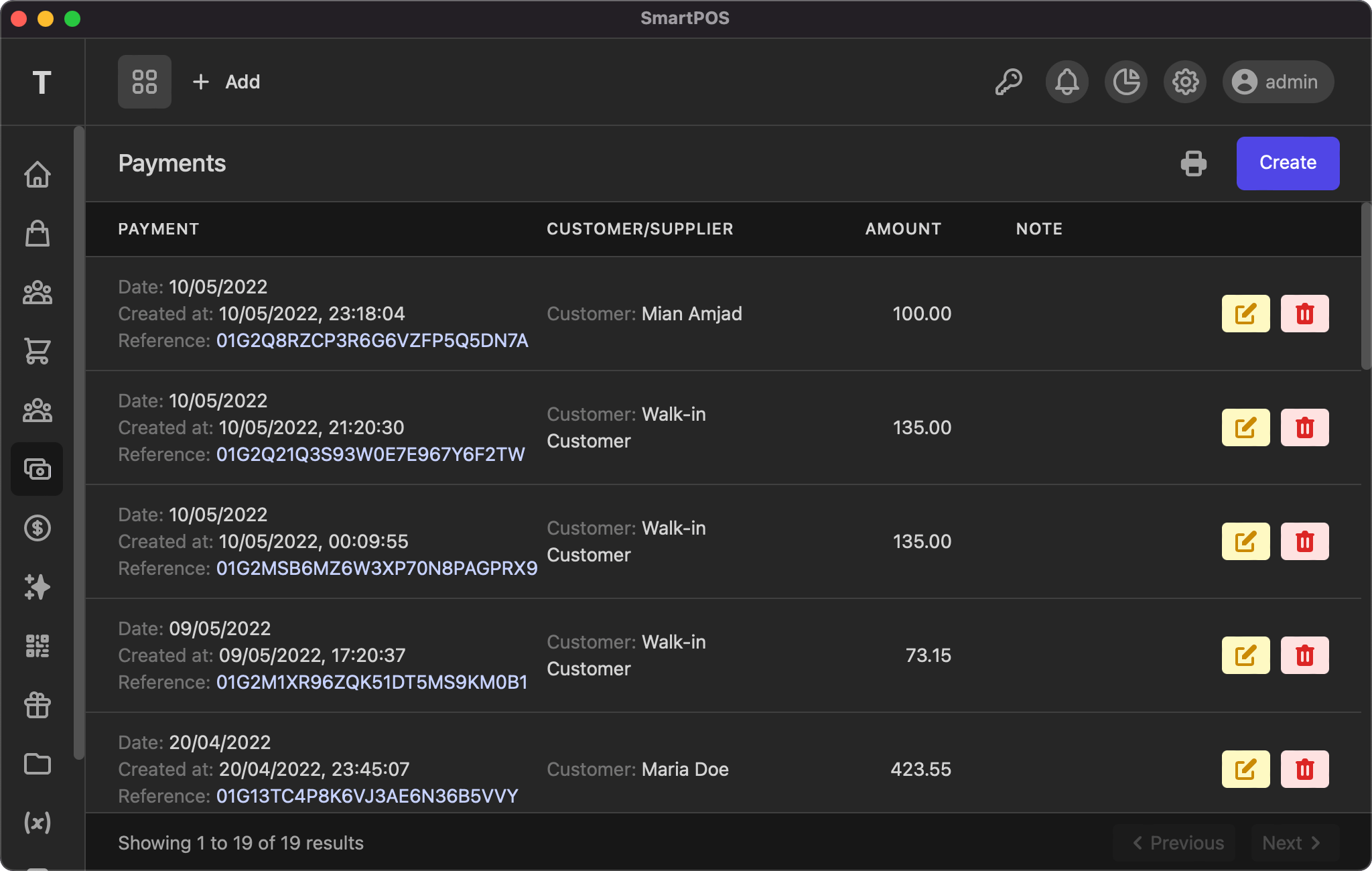
This listing page displays all your records, with actions to view, edit, and delete. You can click the reference number to view the details. As with other tables, the info and pagination links are at the bottom of the page.
View
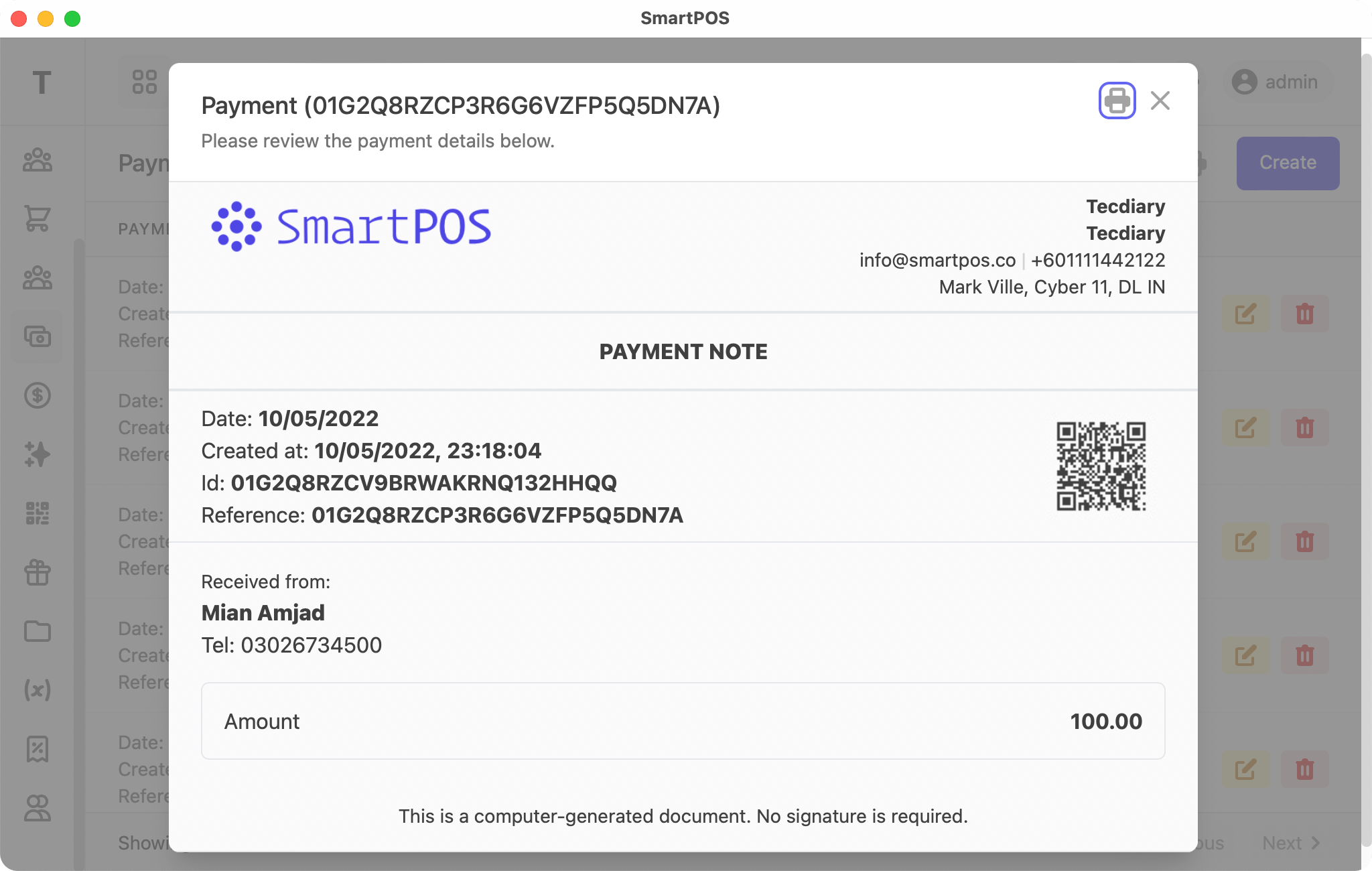
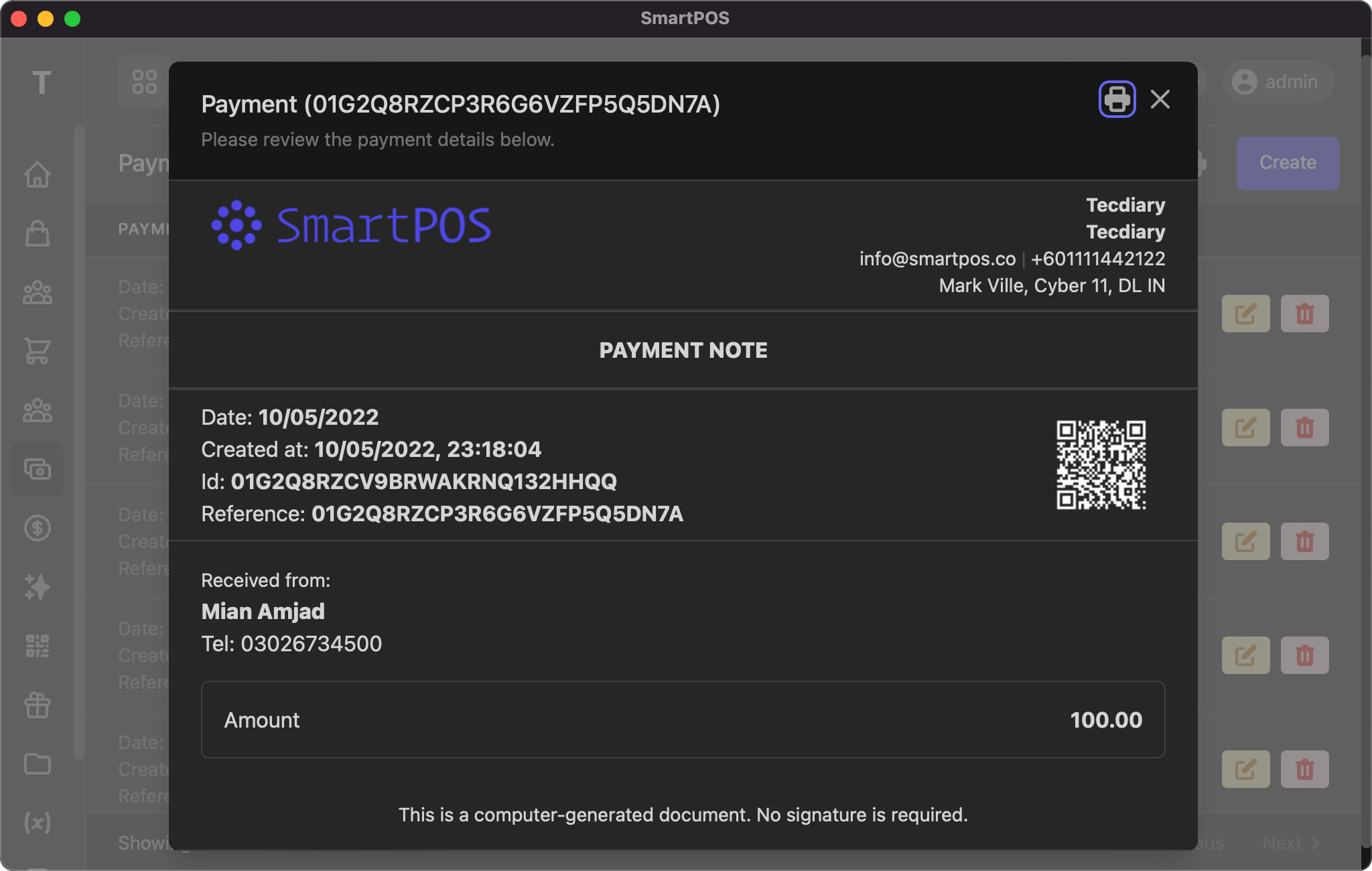
The payment view is similar to a sale or purchase. It displays your logo and company details at the top, then the date, ID, and reference with a QR code, followed by the received-from / sent-to details and the amount.
Add/Edit
Payment
The add/edit payment page uses the same form, with the following fields:
- Type: select the type (customer/supplier)
- Customer/Supplier: select the customer/supplier (searchable)
- Date: select the date
- Reference: (optional) set one, or leave blank to auto-generate
- Amount: payment amount
- Method: payment method
- Comment/Note: (optional) any additional details
Expense
The add/edit expense page uses the same form, with the following fields:
- Date: select the date
- Reference: (optional) set one, or leave blank to auto-generate
- Amount: expense amount
- Company: (optional) the related company name
- Tax Number: (optional) the company's tax number
- Comment/Note: (optional) any additional details
Automation
The system will update the customer's or supplier's due/balance and adjust it according to the payment.
If you have any suggestions, please start a discussion.